Home › Stickman › Stickman Explorer
Stickman Explorer
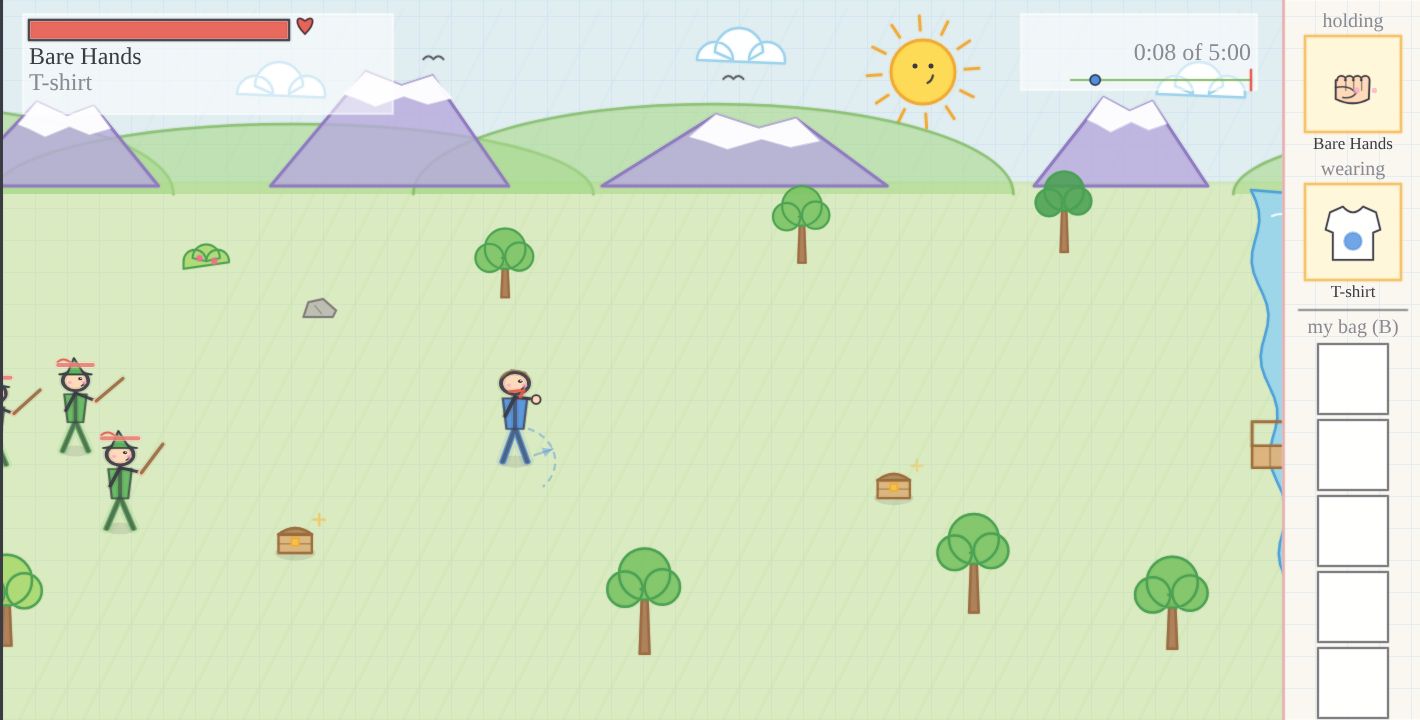
Walk right along a long sheet of grid paper.
Open treasure boxes and fill your bag. Meet the visitors on the road.
At the stone gate, shake hands with the Mountain Giant.
Mouse and keyboard
iPad and phone, held sideways
Saves every second
Treasure boxes
Start
Walk with W A S D or right-click. Swing with a left-click. B opens the bag. On a tablet: left thumb on the pad, swipe to swing.
For parents and teachers
- A walking adventure: the hero walks right along the paper, opens treasure boxes (put it in the bag, use it now, or leave it), meets named visitors one group at a time, and the Mountain Giant comes to shake hands when the road is clear.
- Nobody gets hurt. A knocked-down stickman wobbles, sits up dizzy with stars, gets up and walks off the paper. The words a child reads are "visitor" and "knocked down", never "enemy". Everyone bows in and bows out, and the match ends with a handshake and "Good match", never a winner banner.
- Nothing that pulls children back: no scores, streaks, daily rewards, timers that press, shops or currency. Gems are only for looking at; masks and shirt colours are earned by meeting visitors and finding gems.
- Parents stay in charge: the Parents page (optional PIN) sets the turn length, the freeze time after a turn with a few math problems and their grade (K to 5), the number of turns before a long rest, and the rest length. The one clock on screen is small and grey.
- Walk away any time: Esc pauses, progress saves every second, and coming back shows "Welcome back". Pause also offers "Save a copy to a file".
- Calm senses: no screen shake, no flashing, no confetti. Soft crayon colours on grid paper. Visitors wind up visibly before they swing and never move faster than a child can think.
- Made by Daniel with his dad. No sound in this version.
One file, about 0.15 MB. Once loaded it never talks to the internet. No accounts, no ads, nothing collected. More for parents and teachers